Screenshots
A look at the Bor web console and agent in action
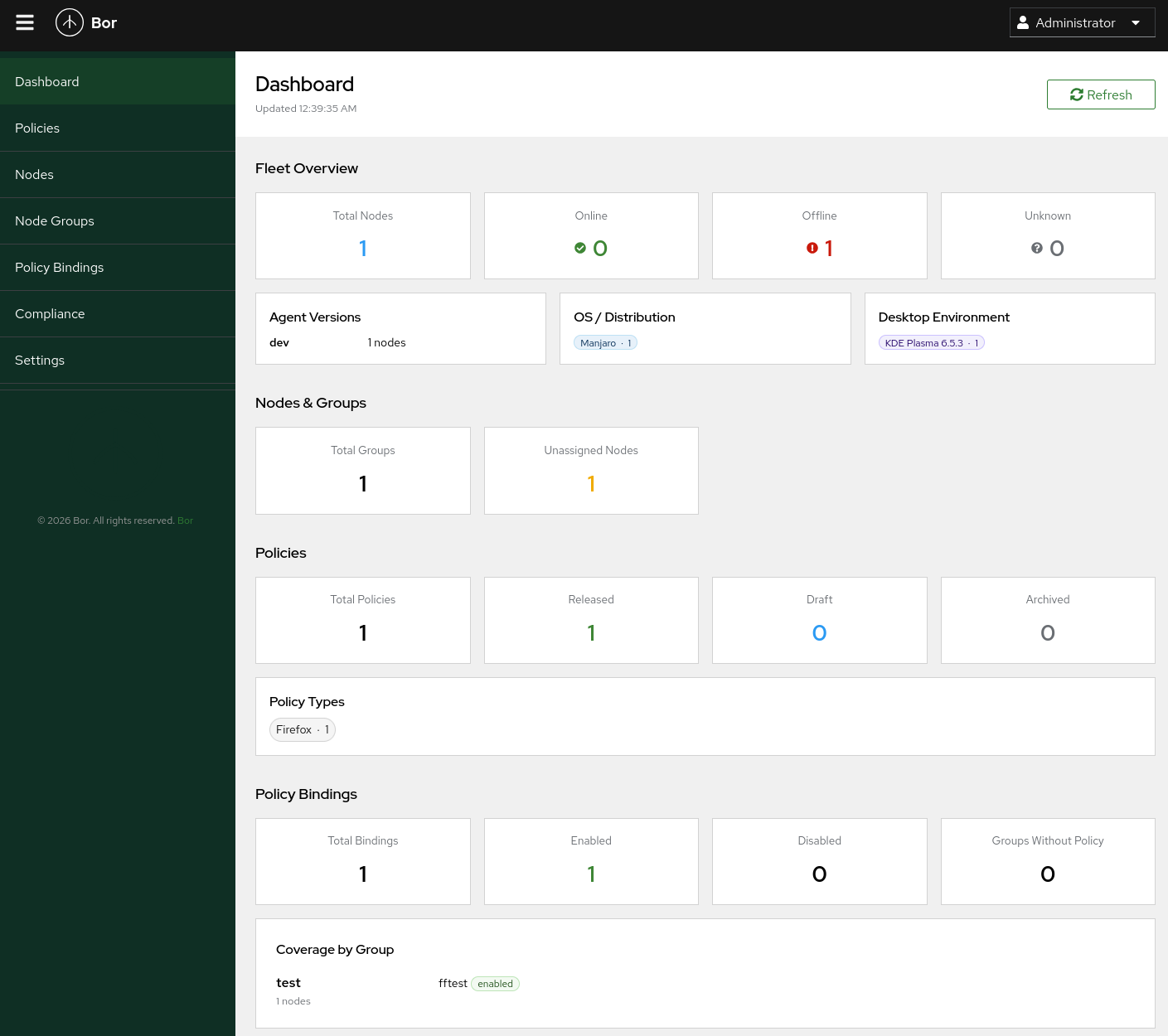
Dashboard
The dashboard provides a fleet overview with node status, OS distribution, policy counts, binding status, and coverage by group.
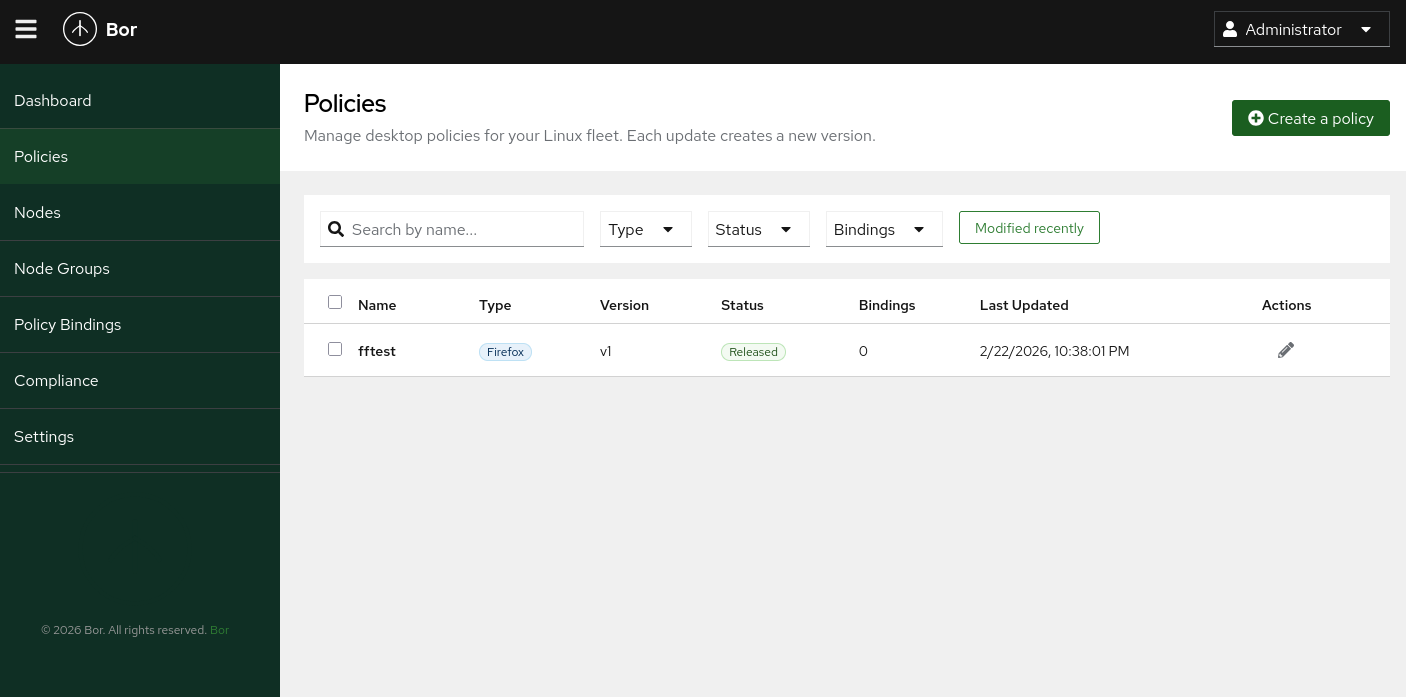
Policies
Browse and manage desktop policies with search, filtering by type, status, and bindings.
Create Policy
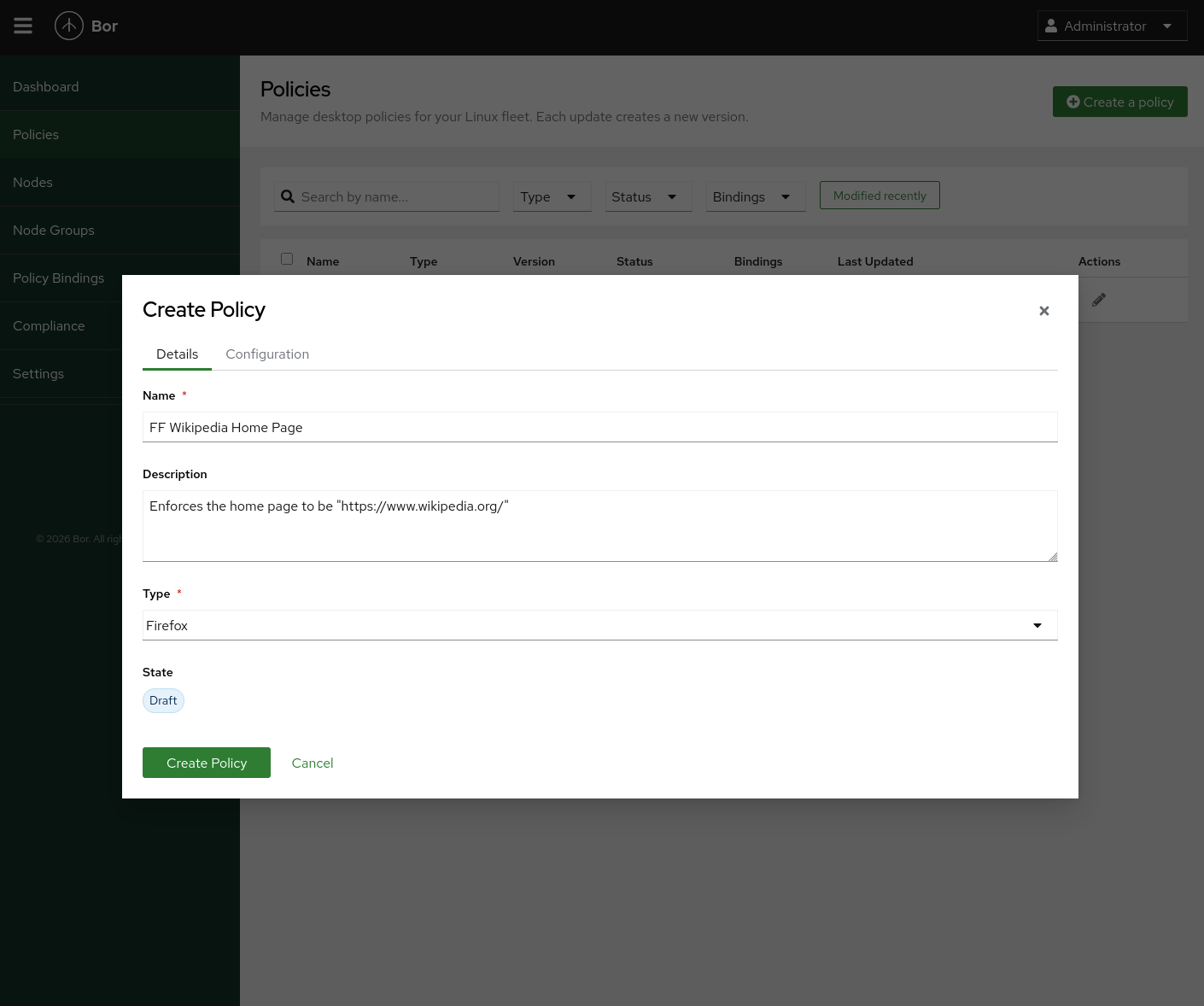
Create new policies with a name, description, type, and initial state. Supported policy types include Firefox and Kconfig.
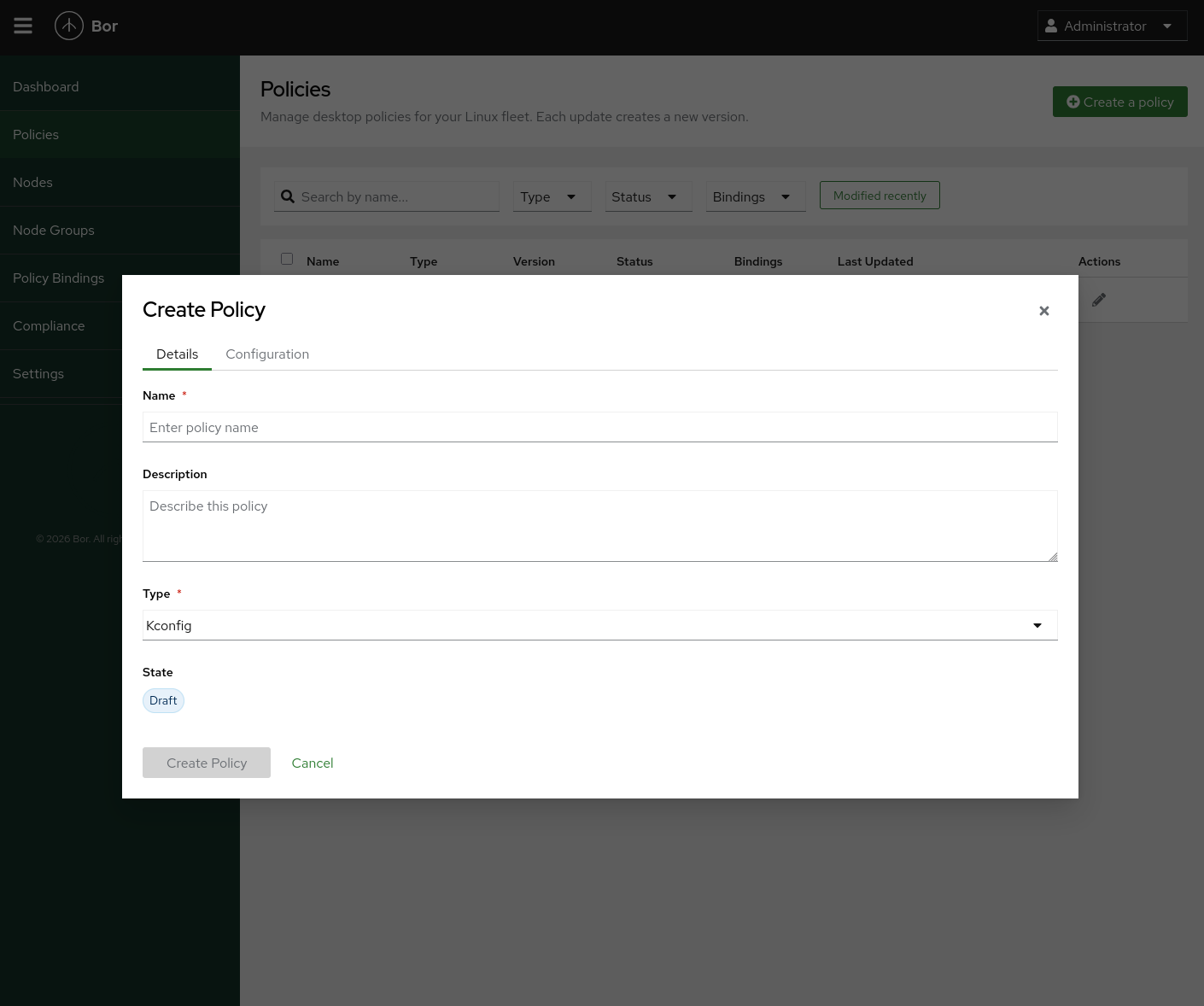
Policy Details
Fill in policy details including the name, description, and type before creating.
Policy Configuration
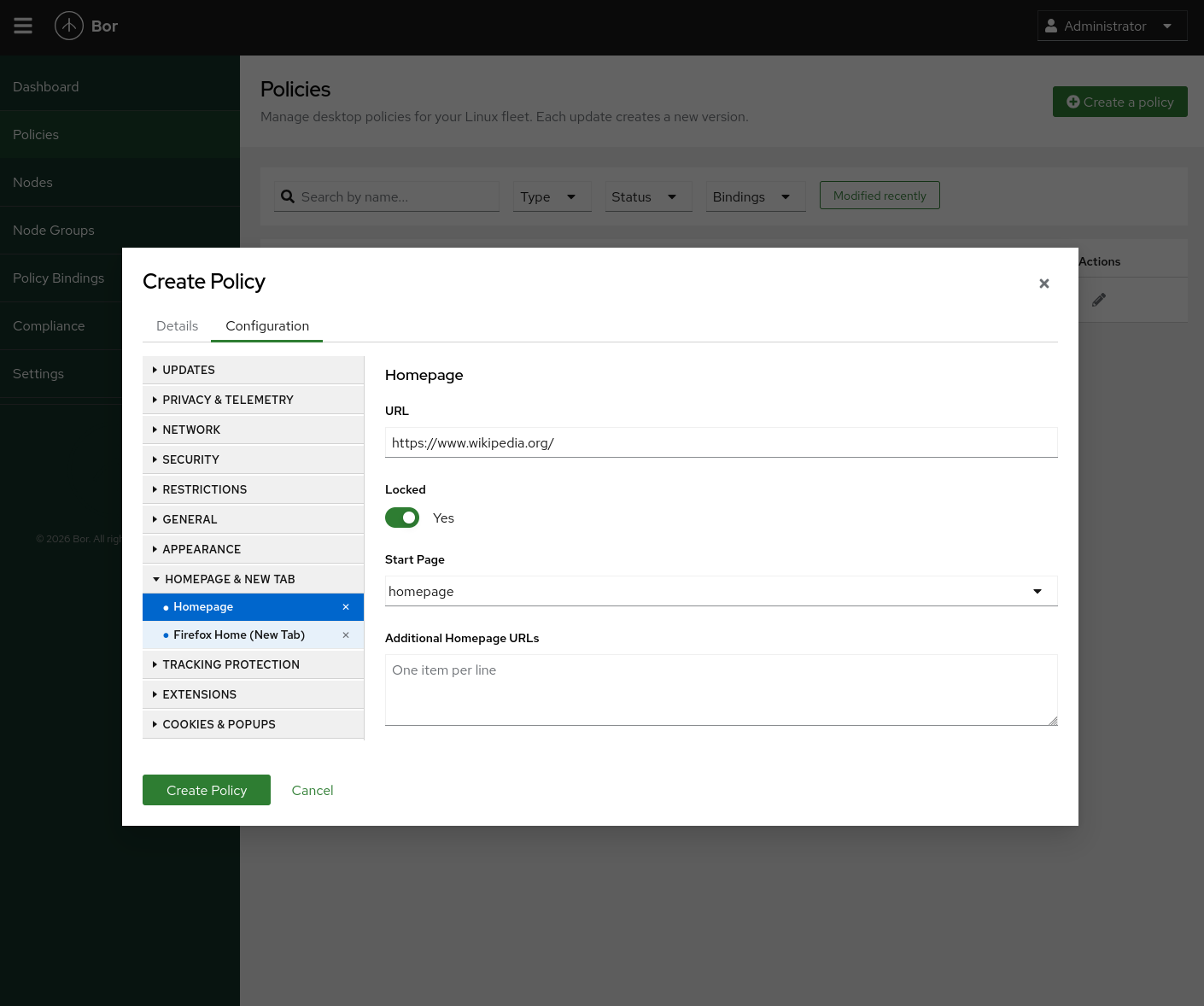
Configure granular policy settings organized by category — updates, privacy, network, security, homepage, extensions, and more.
Nodes
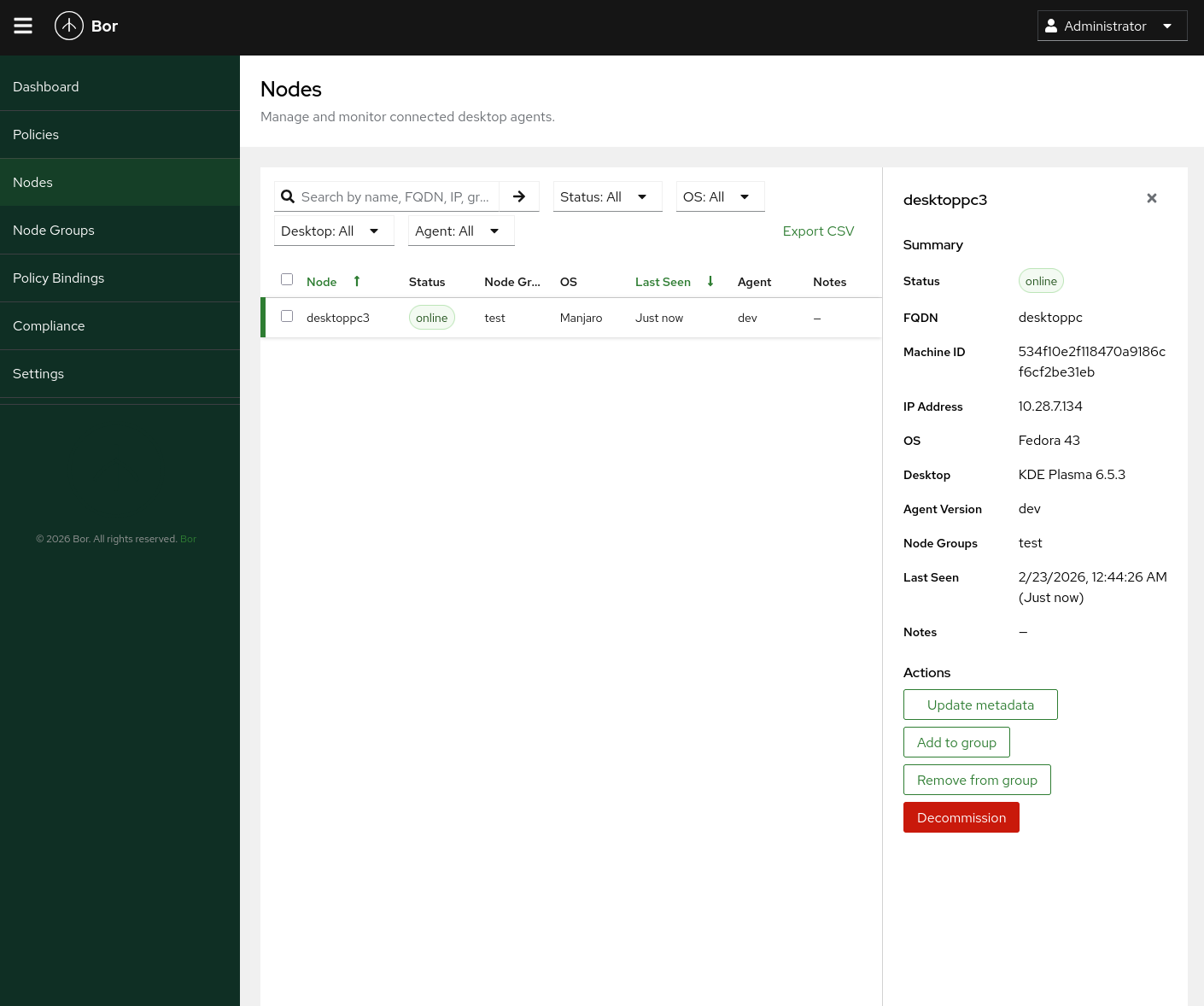
Monitor connected desktop agents with status, OS, group membership, and detailed node information including FQDN, IP address, and desktop environment.
Node Groups
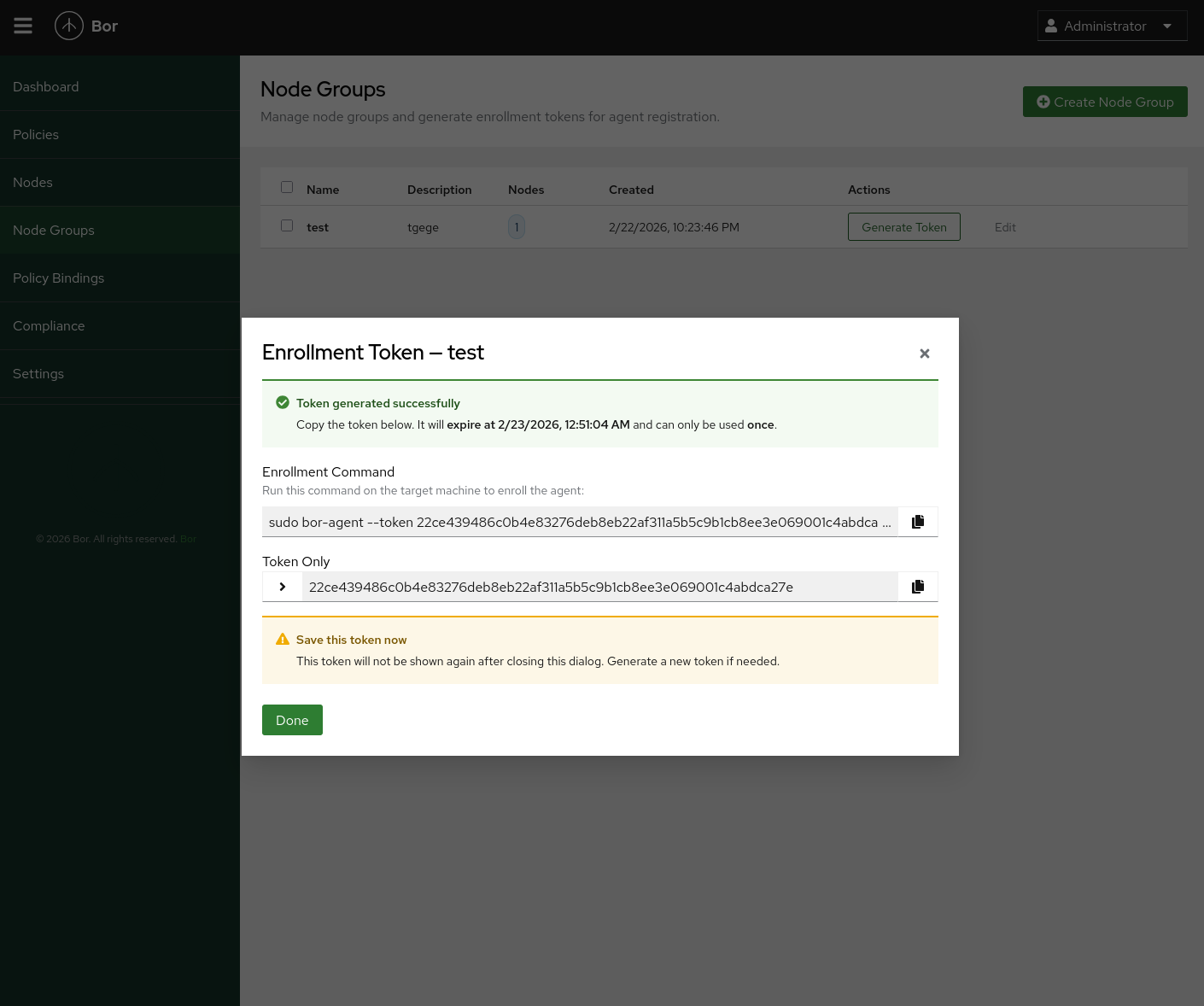
Organize nodes into groups and generate one-time enrollment tokens for agent registration.
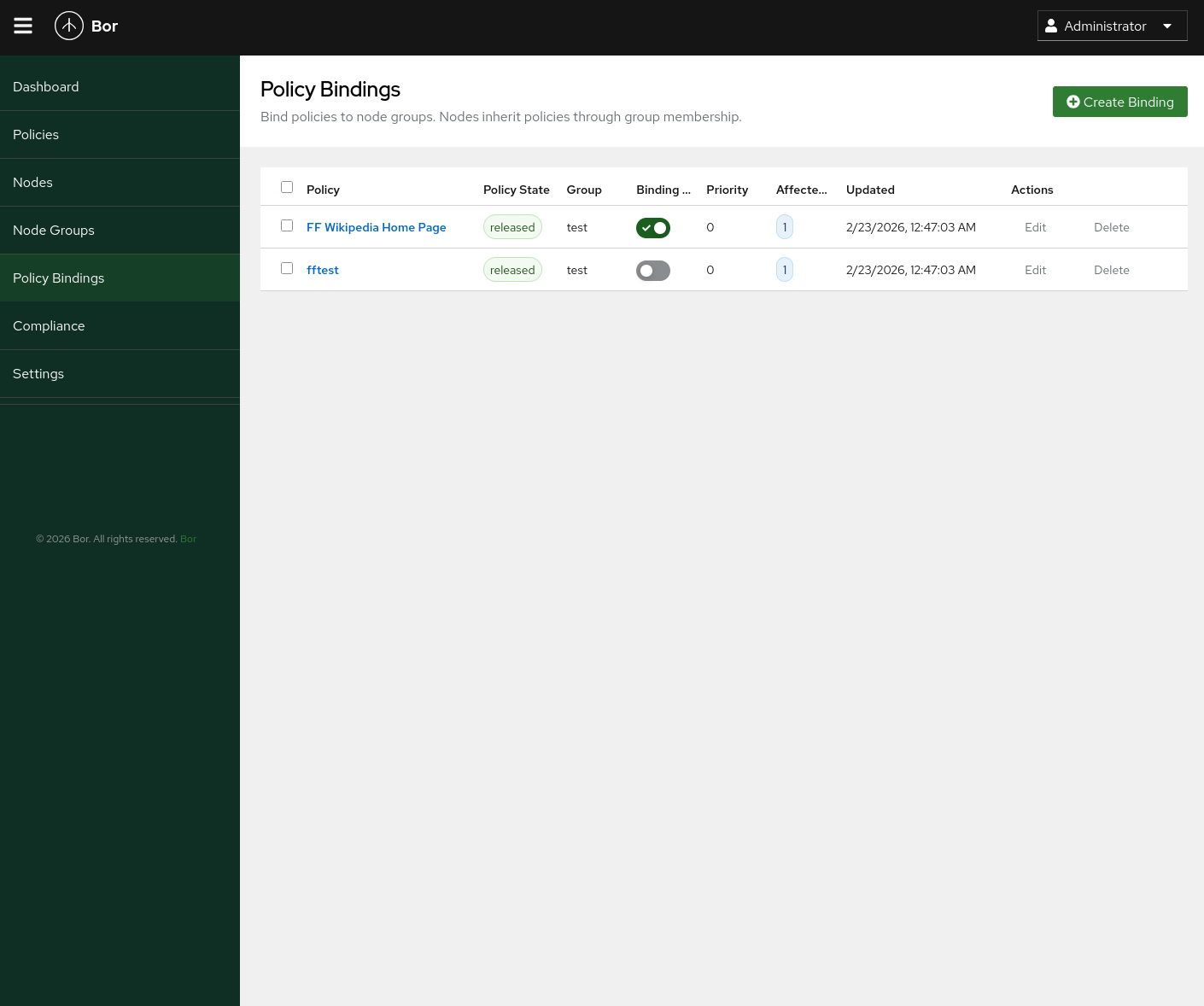
Policy Bindings
Bind released policies to node groups. Nodes inherit policies through group membership.
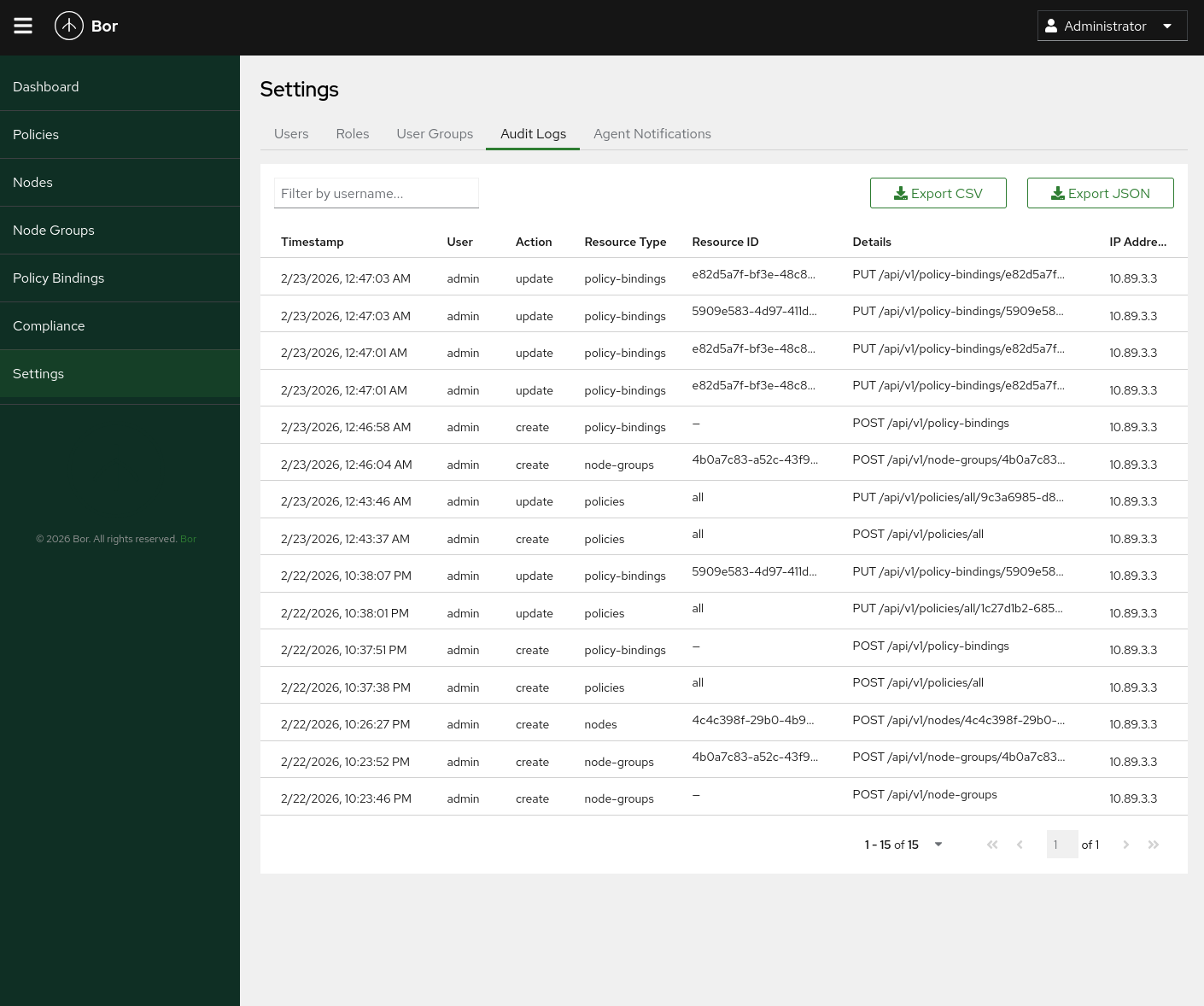
Audit Logs
Track all administrative actions with detailed audit logs including timestamps, user, action, resource type, and full request details.
Desktop Notifications
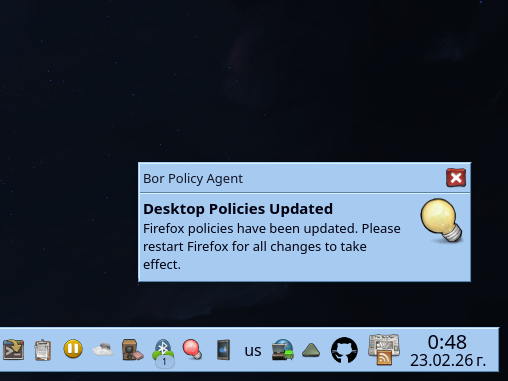
The Bor agent notifies users on the desktop when policies are updated, prompting them to restart affected applications.