Bor v0.7.0 is out. This release introduces Package Management Policy — a new policy type that lets administrators control software repositories and installed packages on enrolled Linux desktops, using the same publish-and-stream workflow as existing policies.
Package policy
A Package policy has three sections:
Repositories — add APT (deb822 .sources), DNF/YUM (.repo INI), or Zypper (.repo INI) repositories. The agent auto-detects the node’s package manager and writes the correct file format to the right location. GPG signing keys are supported for all repository types and are written to the appropriate keyring directory.
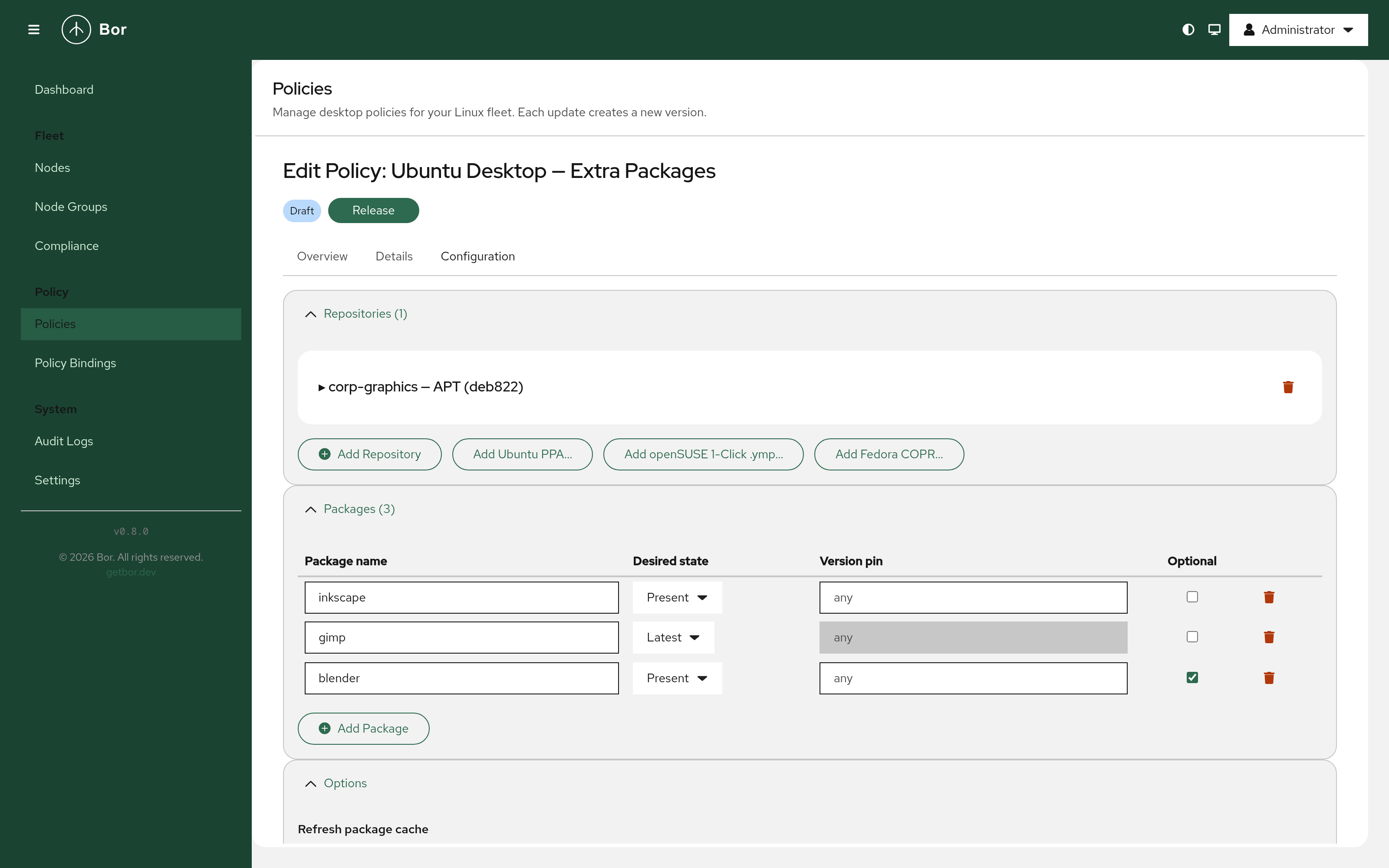
Packages — specify packages with a desired state (present, absent, or latest), an optional version pin, and an “optional” flag for packages that should be installed when available but not treated as a failure if absent.
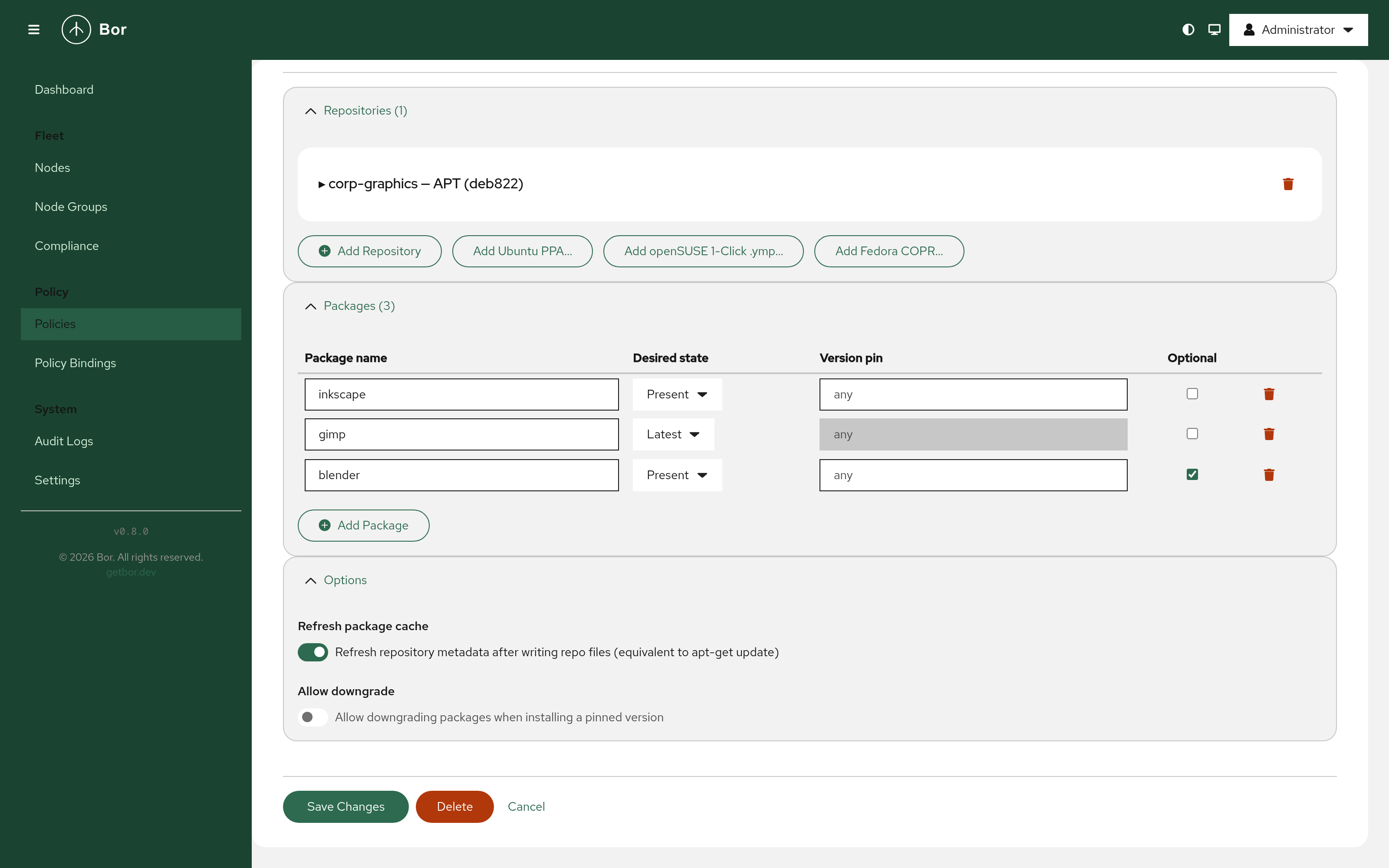
Options — control whether the package cache is refreshed after repository writes, and whether downgrades are permitted.
When a node is bound to multiple policies that affect the same repository or package, conflicts are resolved by binding priority — the higher-priority binding wins.
PackageKit integration
Package enforcement on the agent side goes through PackageKit, which provides a uniform D-Bus API over APT, DNF, and Zypper. This means a single policy works across Debian/Ubuntu, RHEL/Fedora, and openSUSE without distribution-specific branching in the policy itself.
Desktop notifications inform the user when package policy changes are applied.
One-click repository import helpers
The web UI’s Repositories tab includes three import shortcuts:
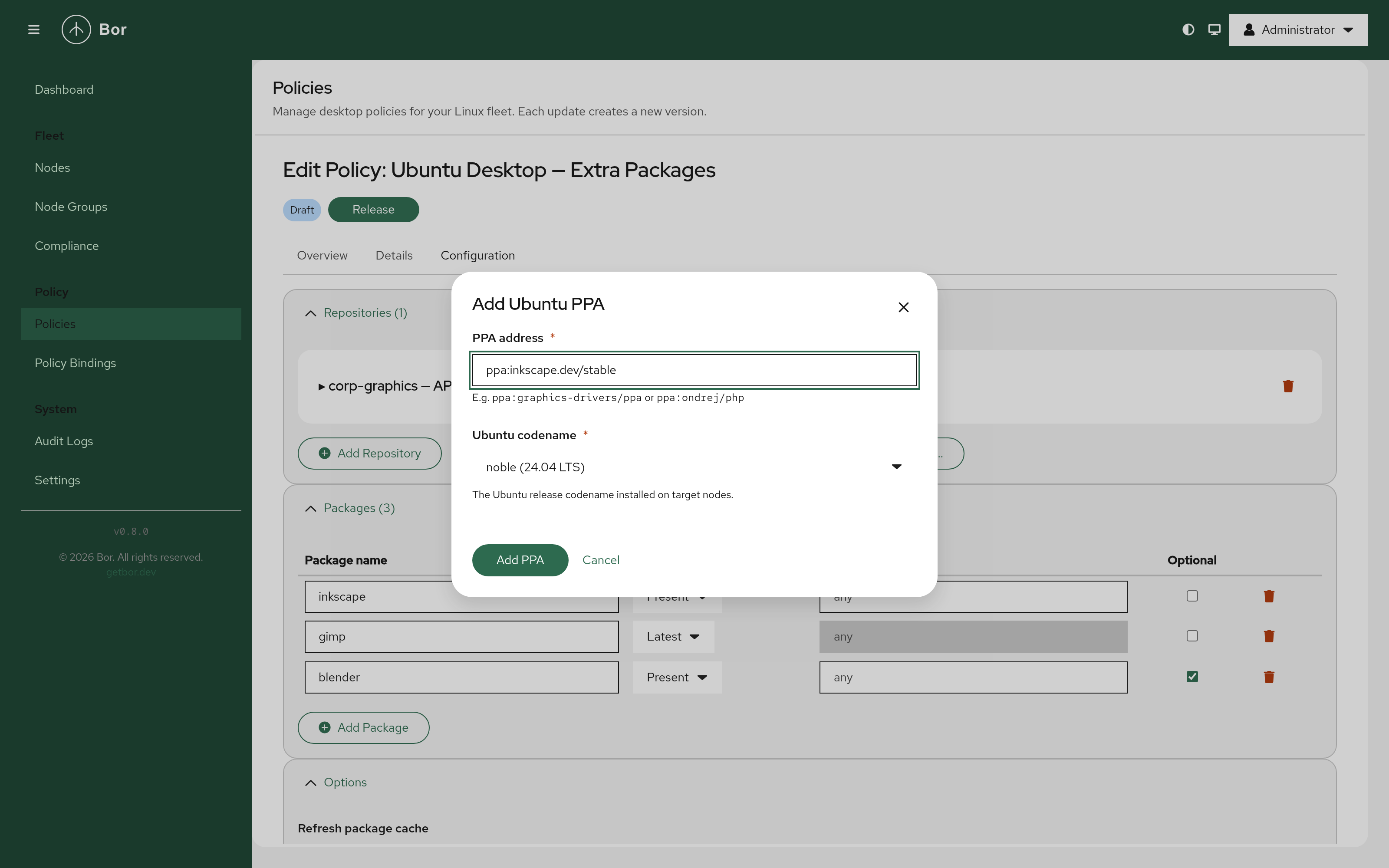
- Ubuntu PPA — enter a
ppa:owner/nameaddress and pick an Ubuntu codename. The server fetches the repository URI and signing key from Launchpad and the Ubuntu keyserver automatically.
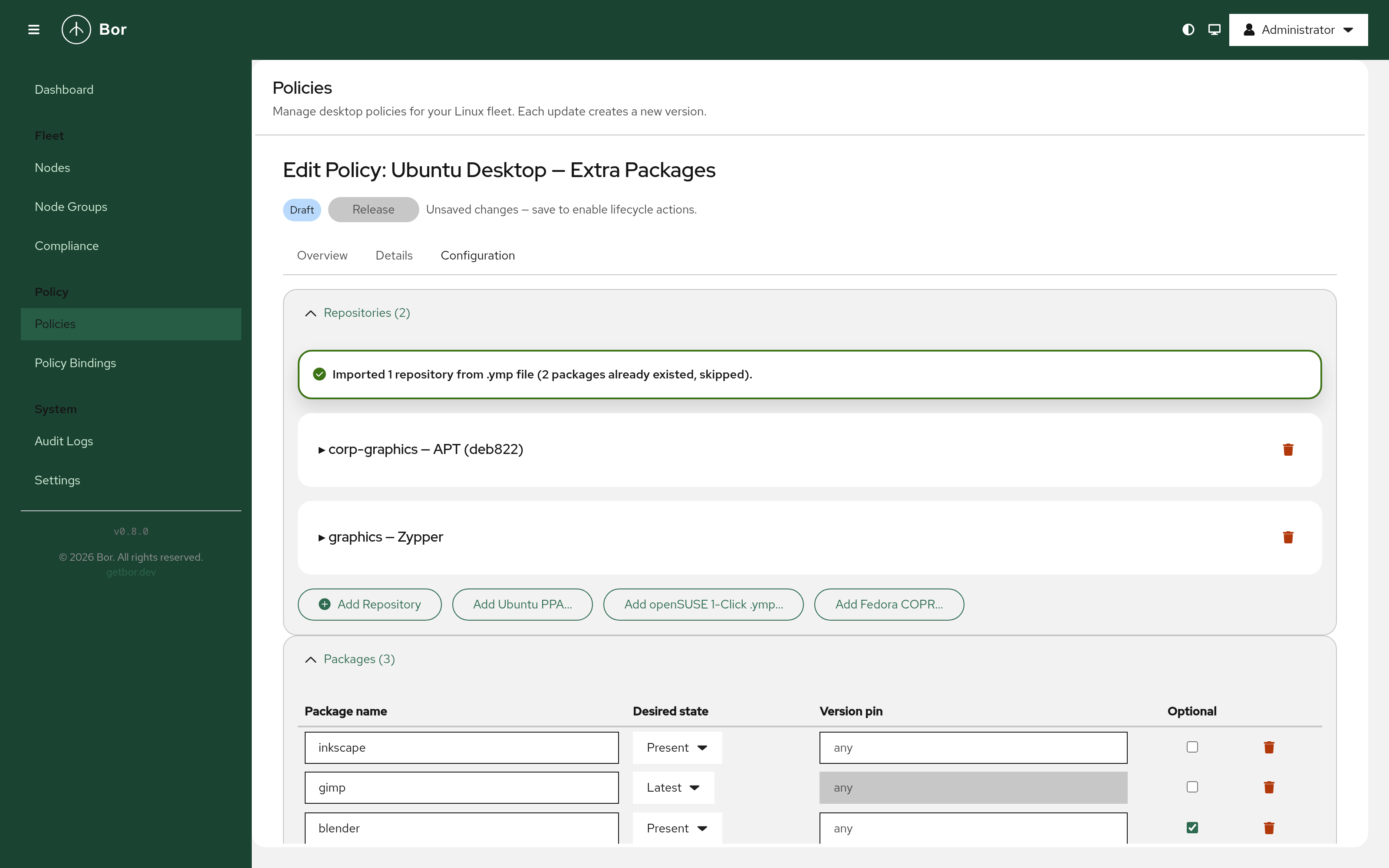
- openSUSE 1-Click (.ymp) — upload a
.ympfile. The server parses the XML and populates repositories and packages. When the file contains multiple distribution version groups, a modal lets you choose which to import.
- Fedora COPR — enter an
owner/projector@group/projectaddress and select a chroot. The server resolves the DNF repo URL and signing key from the COPR API.
Download
Packages for Debian/Ubuntu, RHEL/Fedora/SUSE, Alpine Linux, and Arch Linux across x86_64, aarch64, and ppc64le are available on the Download page.